Preparing for the Junior Office Assistant (IT) examination in Himachal Pradesh requires a clear understanding of computer concepts, regular revision, and consistent practice. Computer knowledge is an important area for candidates preparing for JOA IT recruitment, and a focused study plan can help improve conceptual understanding and accuracy.
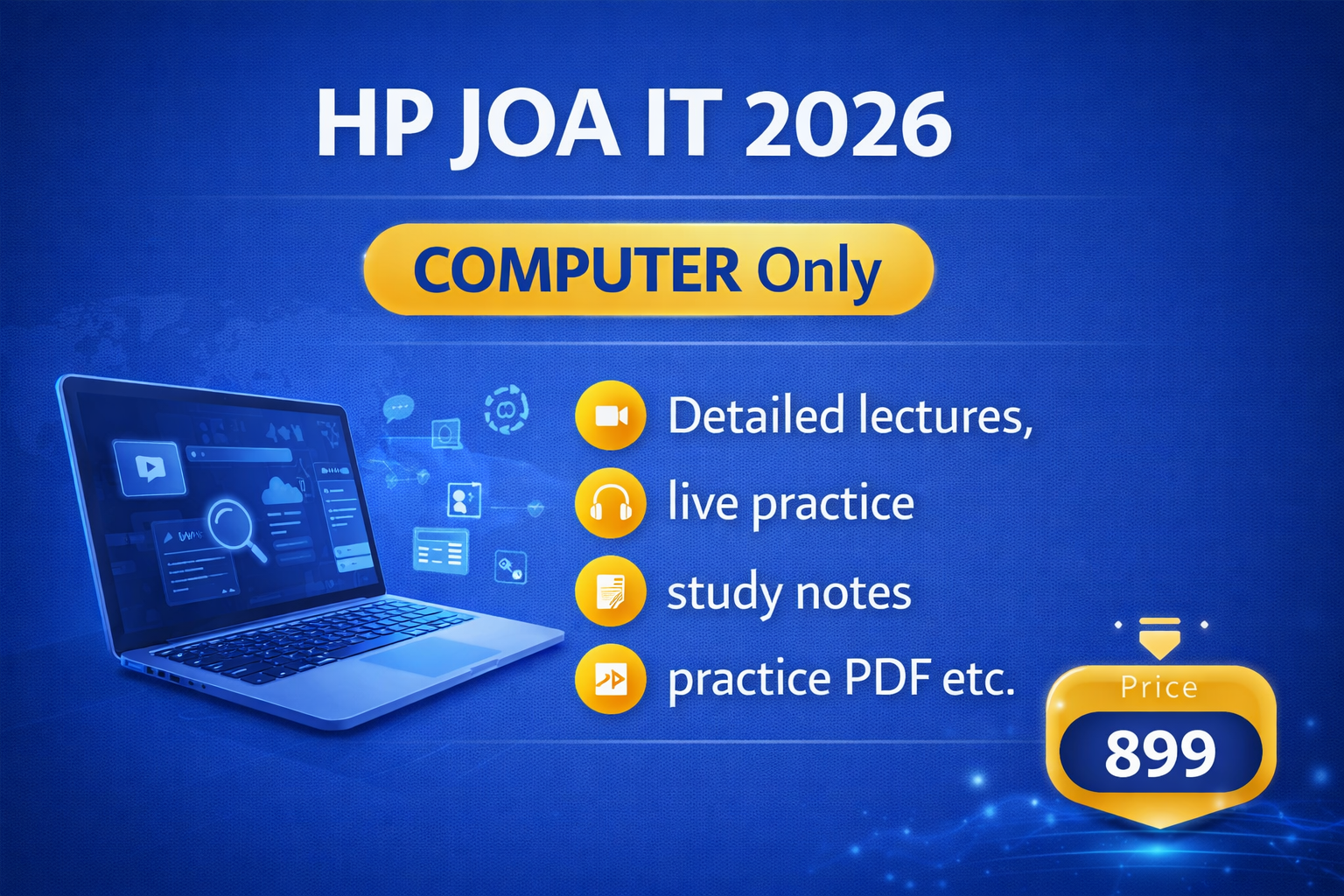
For aspirants who want to concentrate specifically on computer preparation, All Next Exam offers the JOA IT (Computer Only) course. This course is listed on the official platform for candidates interested in focused computer-related preparation.
If you are preparing for the Himachal Pradesh JOA IT examination and want to strengthen your computer knowledge, this guide explains how to approach computer preparation, which topics deserve attention, and how to make the most of a dedicated computer course.
JOA IT (Computer Only) Course by All Next Exam
All Next Exam has listed a separate course titled JOA IT (Computer Only). Candidates can visit the official course page to check the current fee and available course information before enrolling.
Course Name: JOA IT (Computer Only)
Platform: All Next Exam
Listed Price: ₹499 at the time of checking
Original Price Displayed: ₹2,500
Course Link: https://allnextexam.akamai.net.in/new-courses/33-joa-it-computer-only
The displayed price and availability may change, so confirm the latest details on the course page before making a purchase.
The course page currently identifies the offering as computer-only. Candidates should therefore check the available lessons and course contents directly before assuming that it includes other JOA IT subjects, typing practice, or a full-length test series.
Why Is Computer Preparation Important for JOA IT?
Computer knowledge is closely related to the responsibilities associated with information technology and office work. Candidates should understand computer fundamentals, common software applications, internet concepts, and basic digital security.
However, preparation should always follow the official recruitment notification and syllabus applicable to the particular examination. Do not assume that every computer topic carries equal weight or that a computer-only course covers the entire JOA IT examination.
A focused computer preparation plan can help candidates:
- Build a stronger understanding of fundamental concepts.
- Revise important terminology and definitions.
- Identify weak areas through objective-question practice.
- Improve accuracy while answering computer-related MCQs.
- Reduce confusion between similar computer terms.
- Revise systematically before the examination.
The main objective should be to understand concepts rather than memorise answers without knowing why they are correct.
Important Computer Topics to Revise for JOA IT
The following topics form a useful general computer-awareness revision checklist. They are suggested study areas, not a verified list of lessons included in the All Next Exam course. Compare them with the official syllabus applicable to your recruitment examination.
1. Computer Fundamentals
Begin with the basic concepts of computers. A strong foundation makes advanced topics easier to understand.
Important areas to revise include:
- Definition and characteristics of computers
- Generations and types of computers
- Basic organisation of a computer system
- Input, processing, output, and storage
- Data and information
- Units of computer memory
- Common computer abbreviations
Practise questions that test the differences between hardware and software, data and information, and primary and secondary memory.
2. Computer Hardware
Hardware refers to the physical components of a computer system.
Focus on understanding:
- CPU and its basic functions
- Input and output devices
- RAM and ROM
- Hard disk and solid-state storage
- Printers, scanners, and monitors
- Keyboard and mouse
- Ports and common peripherals
Instead of learning definitions alone, connect each device with its purpose. For example, understand the difference between a device used to enter data and one used to display processed information.
3. Computer Software and Operating Systems
Software provides the instructions that allow a computer to perform tasks. Operating systems manage computer resources and provide an environment for running applications.
Revise these areas:
- System software and application software
- Operating-system functions
- Files and folders
- Basic file management
- Common operating-system terminology
- Utility software
- Software installation and updates
Pay attention to commonly confused terms and practise questions that ask you to identify the correct function of a particular type of software.
4. Microsoft Office and Office Applications
Office applications are useful for document preparation, calculations, presentations, and administrative work.
Depending on the official syllabus, relevant areas may include:
- Word-processing basics
- Spreadsheet concepts
- Formulas and functions
- Presentation software
- Common keyboard shortcuts
- File extensions
- Formatting and editing tools
For example, spreadsheet questions may test the difference between a formula and a function, while word-processing questions may focus on formatting, page layout, or document operations.
5. Internet and Networking
Internet and networking concepts are common areas of computer-awareness study.
Revise:
- Internet and intranet
- Web browsers and search engines
- Websites and web pages
- Email terminology
- LAN, MAN, and WAN
- Basic networking devices
- IP address and domain name concepts
- Common internet protocols, where included in the syllabus
Learn the meaning of each term and how it differs from related terms. This approach is more effective than memorising a list of abbreviations without understanding their use.
6. Database and Basic Information Technology Concepts
If these topics are included in the applicable syllabus, revise the fundamentals of databases and information management.
Potential study areas include:
- Meaning and purpose of a database
- Tables, records, and fields
- Basic database terminology
- Data organisation
- Introduction to database-management systems
Keep the depth of preparation aligned with the prescribed syllabus. Advanced technical material is not automatically necessary simply because it belongs to computer science.
7. Cybersecurity and Digital Awareness
Basic digital security is useful for understanding safe computer and internet use.
Relevant concepts may include:
- Malware and viruses
- Phishing and online fraud awareness
- Password security
- Antivirus software
- Firewalls
- Safe browsing practices
- Data privacy and backups
Focus on recognising definitions, differences, and practical examples. Check the official syllabus to determine which of these topics are required for your examination.
How to Prepare with a Computer-Only Course
A dedicated course can form one part of a larger preparation plan. To use it effectively, follow a consistent routine.
Step 1: Check the Course Contents
Open the official course page:
https://allnextexam.akamai.net.in/new-courses/33-joa-it-computer-only
Review the lessons and available details before enrolling. Confirm the course validity, access conditions, language of instruction, and whether any practice material is included. These details should be verified on the platform rather than assumed.
Step 2: Study One Topic at a Time
Avoid jumping between unrelated topics. Complete one concept, make concise notes, and then attempt related questions.
For example, after studying computer memory, practise questions on RAM, ROM, cache memory, and storage devices. This helps you recognise distinctions between similar concepts.
Step 3: Practise MCQs Regularly
Objective questions help you check whether you can apply what you have learned.
After each practice session:
- Review incorrect answers.
- Identify the concept behind each mistake.
- Record confusing terms.
- Reattempt difficult questions after revision.
Do not focus only on the number of questions attempted. Accuracy and understanding are equally important.
Step 4: Maintain a Revision Notebook
Prepare short notes containing definitions, abbreviations, device functions, software differences, and other syllabus-relevant facts.
Keep these notes brief enough to revise regularly. Update them when practice questions reveal a misunderstanding.
Step 5: Review the Full JOA IT Syllabus
A computer-only course should not automatically be treated as a complete examination-preparation programme. Check the latest official recruitment notification and syllabus to identify all required subjects and any skill-test requirements.
If other subjects or typing skills are required, plan for them separately unless the course page explicitly confirms that they are included.
A Practical Seven-Day Computer Revision Plan
You can use the following sample plan to organise revision. Adjust it according to the official syllabus and your current level of preparation.
Day 1: Computer fundamentals and computer generations.
Day 2: Hardware, input and output devices, CPU, and memory.
Day 3: Software concepts and operating systems.
Day 4: Word processing, spreadsheets, presentations, and relevant shortcuts.
Day 5: Internet, networking, email, and related terminology.
Day 6: Database basics and other syllabus-relevant computer topics.
Day 7: Mixed MCQs, revision of mistakes, and a short self-assessment.
This is a suggested revision schedule, not an official examination timetable. Spend additional time on topics where your understanding or accuracy is weak.
Common Mistakes to Avoid
Candidates can lose valuable preparation time by making a few avoidable mistakes.
Studying without checking the syllabus: Use the latest official notification as your reference.
Memorising without understanding: Learn what a term means and how it differs from related concepts.
Ignoring revision: Revisit older topics instead of studying new material continuously.
Repeating the same mistakes: Maintain a record of incorrect answers and revise the underlying concepts.
Assuming a computer-only course covers everything: Check the actual course contents and prepare separately for any remaining examination components.
Official Updates and Additional Study Resources
For recruitment-related information, always prioritise official announcements.
- Himachal Pradesh Rajya Chayan Aayog (HPRCA): https://hprca.hp.gov.in/
Candidates can also explore All Next Exam’s official resources for relevant preparation material and updates:
- All Next Exam Website: https://allnextexam.com/
- WhatsApp Channel: https://allnextexam.com/whatsapp-channel
- YouTube Channel: https://allnextexam.com/yt
- Download the All Next Exam App: https://allnextexam.com/app-download
Check each resource to confirm whether it currently offers material relevant to your examination and preparation needs.
Frequently Asked Questions (FAQs)
1. What is the JOA IT (Computer Only) course by All Next Exam?
It is a separately listed computer-only course on the All Next Exam platform for candidates interested in focused computer preparation. Check the official page for the latest course contents.
2. What is the current price of the course?
The official course page displayed ₹499 when checked, with ₹2,500 shown as the original price. Prices can change, so confirm the amount before purchasing.
3. Does this course cover the complete JOA IT examination?
The listing identifies it as a computer-only course. Do not assume that it covers every subject or skill-test requirement. Check the course contents and compare them with the applicable official syllabus.
4. Which computer topics should I prepare?
Start with computer fundamentals, hardware, software, operating systems, office applications, internet, networking, and other topics specified in the official syllabus.
5. Where can I enrol in the course?
Visit the official course page:
https://allnextexam.akamai.net.in/new-courses/33-joa-it-computer-only
Review the available information before enrolling.
6. Is practising MCQs enough for computer preparation?
MCQs are useful for checking understanding, but they should be combined with concept study, revision, and analysis of incorrect answers.
Final Words
Computer preparation for the Himachal Pradesh JOA IT examination becomes more manageable when you follow the syllabus, study concepts systematically, and practise objective questions consistently.
The JOA IT (Computer Only) course by All Next Exam is a separate option for candidates looking for focused computer preparation. Before enrolling, review the course contents and current price, then compare the available lessons with the official syllabus to identify any additional preparation you may need.
Check the course here: https://allnextexam.akamai.net.in/new-courses/33-joa-it-computer-only
Study consistently, revise your mistakes, and use official recruitment information to guide your preparation.
